
SuiteFiles + IRIS — One Workspace for Your Firm’s Documents and Client Data
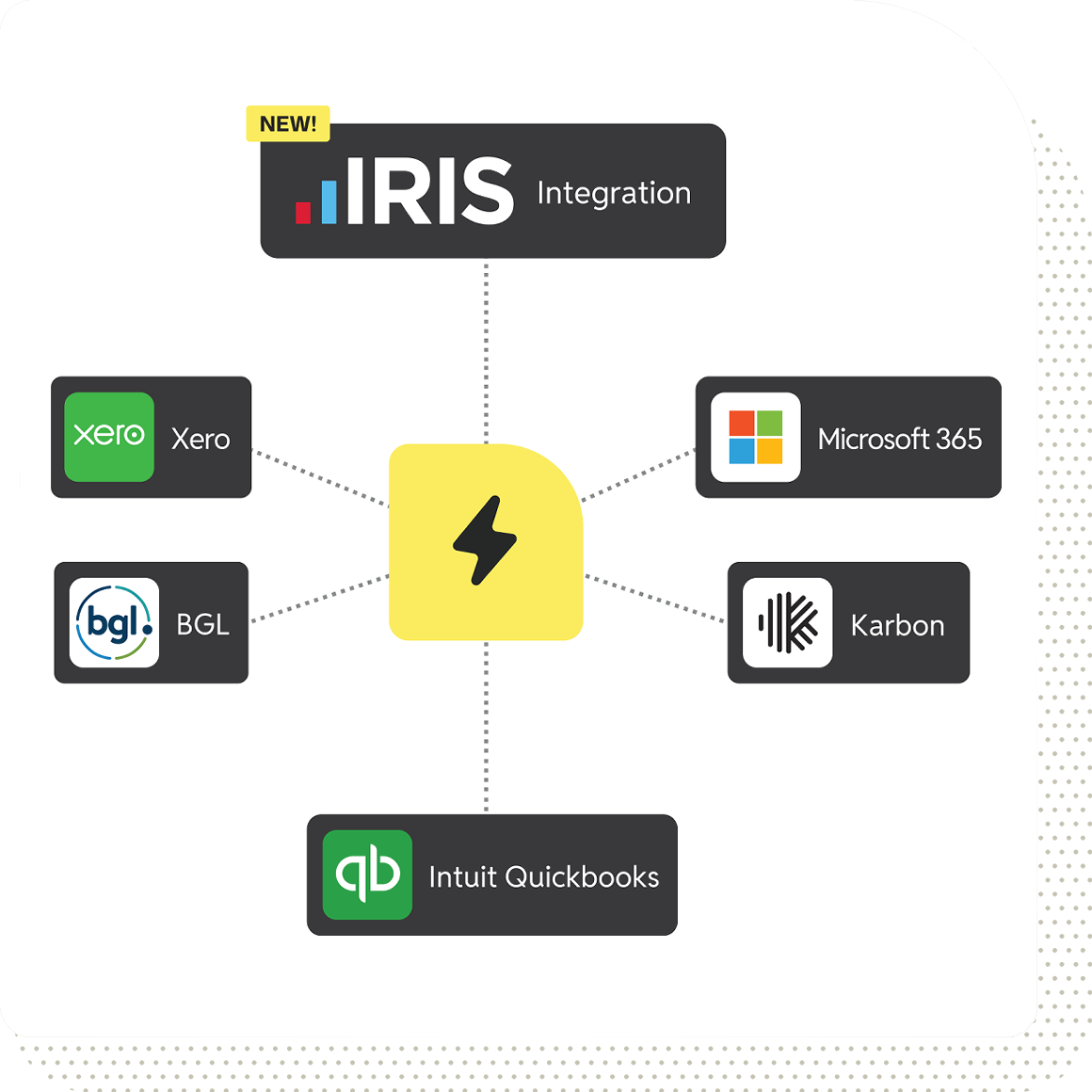
Connect IRIS with SuiteFiles to sync your client and contact data, auto-populate templates, and manage documents — all in one place.
Client and Contact Data, Always in Sync
When you connect IRIS to SuiteFiles, your client and contact data flows directly into your document workspace. No manual data entry, no copy-pasting between systems. Your team always works with accurate, up-to-date client information — without leaving SuiteFiles.
Auto-Populate Documents and Emails
Use client data from IRIS to auto-populate engagement letters, emails, and document templates in SuiteFiles. Pull in client names, addresses, contact details, and more — so your team produces consistent, client-ready work in seconds, not minutes.
One Workspace, Less Switching
Stop toggling between IRIS and scattered files. SuiteFiles brings your documents, emails, templates, signing, and client delivery into a single workspace that sits alongside IRIS — handling the document lifecycle that practice management software was never designed to cover

Step 1
Sign Up or Book a Demo
Not yet a SuiteFiles customer? Start a free trial or book a personalised demo to see SuiteFiles and IRIS working together.
Step 2
Connect IRIS
In your SuiteFiles account, head to the Integrations section and connect IRIS in a few clicks. Your client and contact data will begin syncing automatically.
Step 3
Start Working
That’s it. Your IRIS data is now connected to your document workspace. Create templates, organise files, and deliver finished work — all from one place.
Prefer to see it in action first?
“We’ve had time savings because of how we can now work with Xero Practice Manager and Xero Workpapers. The integrated way of working is far more productive – and simpler – than it used to be. We’ve also enjoyed the ability to drag and drop files instead of jumping through the hoops of saving a file to a location and uploading it from there.”

Kate Griffiths
Business Advisor at Kendons Scott MacDonald
“Between the template features and its strong integrations, SuiteFiles saves us an average of five hours per staff member, per week.”

Craig Bruce
Director at Resource Accounting
Ready to Connect IRIS with SuiteFiles?
See how SuiteFiles works alongside IRIS to give your firm one workspace for documents, emails, templates, signing, and client delivery.
