
Use templates and integrations to
help you auto-populate documents
and emails in seconds
Automate document creation
Set templates for standard documents, then populate them with data from our integrations.
Manage file templates
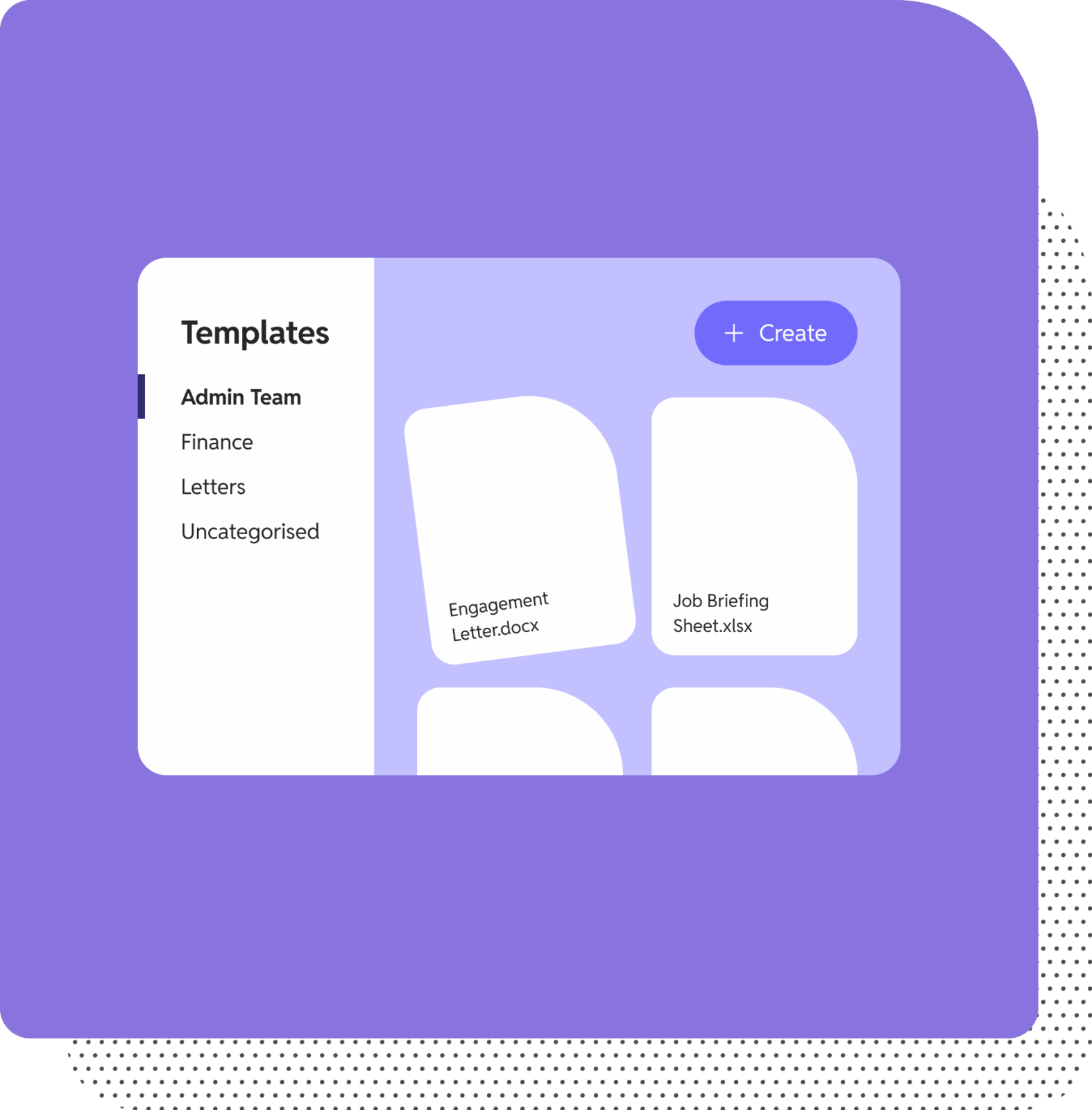
Organize your templates by categories like letters, onboarding, and more for easy navigation.
Build consistency across your team
With team-wide templates, know that all client communications meet quality standards.

Document creation
How it works
What kinds of templates can I use?
You can create file, email, and folder templates. Files (like in Word or Excel) can include merge fields to auto-populate client data. Email templates help standardise communications. Folder templates allow you to build a structured folder hierarchy (with subfolders and files) ready for reuse.
How many templates can I set up?
There’s no fixed limit – you can create and manage unlimited file, email, and folder templates. Use template categories for easy organization. Admins can rename, delete, upload, and categorise templates as needed.
What apps do you integrate with?
SuiteFiles integrates seamlessly with Microsoft 365 (Outlook, OneDrive, Word, etc.), Xero Practice Manager/Tax/Workpapers, Karbon, WorkflowMax, QuickBooks Online, HubSpot, BGL CAS 360, and more. Find out more on our integrations page.
Do I have to pay for integrations?
No – integrations are included at no extra cost. They’re enabled at the admin level and available to your whole team.
Trusted by over 12,000 professionals around the world with 99.6% renewing every year


Empowering efficient document creation: how Resource Accounting QLD became template-driven with SuiteFiles.

Problem
Resource Accounting QLD battled disorganized file storage and manual document distribution, causing wasted time and inconsistent client documentation.

Outcome
Resource Accounting QLD now produces standardized, accurate documents in minutes, boosting productivity and reducing administrative effort.

Solution
SuiteFiles introduced a powerful template engine alongside robust integrations like Xero Practice Manager/XPM. Staff can now generate annual work papers and client reports with a single click – auto-populating merged client data into Word, Excel, and folder structures – ensuring consistency and reducing errors.
This automated approach saves about five hours per staff member each week, by eliminating manual duplication and speeding up document setup. With real-time syncing across OneDrive and SharePoint, every created document is securely stored and instantly accessible in the correct location

“The ability to create and auto-populate templates has been a standout. Between the template features and its strong integration with XPM, SuiteFiles saves us an average of five hours per staff member, per week.”
Craig Bruce
Director at Resource Accounting

Ready to streamline your client collaboration?
Book a personalized demo to learn how SuiteFiles can help you ditch the admin and simplify your workflows.
