By putting SuiteFiles in place,Amplify 11 have enjoyed these benefits
Feels just like Microsoft, but much more intuitive to use
Up and running within a day with ready‑to‑go folder templates
Works perfectly with Xero, Karbon, and all their Microsoft tools

“With SuiteFiles I know where everything is. I don’t ever have to search for a file because I know exactly where to get it, and I’ve got different options for access depending on my preference.”
Anthony De Filippis
Founder at Amplify 11

Problem
When Anthony started Amplify 11, he wanted a modern, cloud‑first accounting practice with no paper and no clunky filing cabinets. The problem was, the tools he tried just didn’t feel right. OneDrive was too basic and easy to mess up. SharePoint was powerful but hard to set up and navigate. Nothing worked smoothly out of the box.
Every time a new client came on board, he had to spend hours creating folder structures, copying templates, and deleting files they didn’t need. It was slow and boring admin work that got in the way of actually working with clients. And without a clear, consistent system, there was always the risk of something being filed in the wrong place or going missing.

Solution
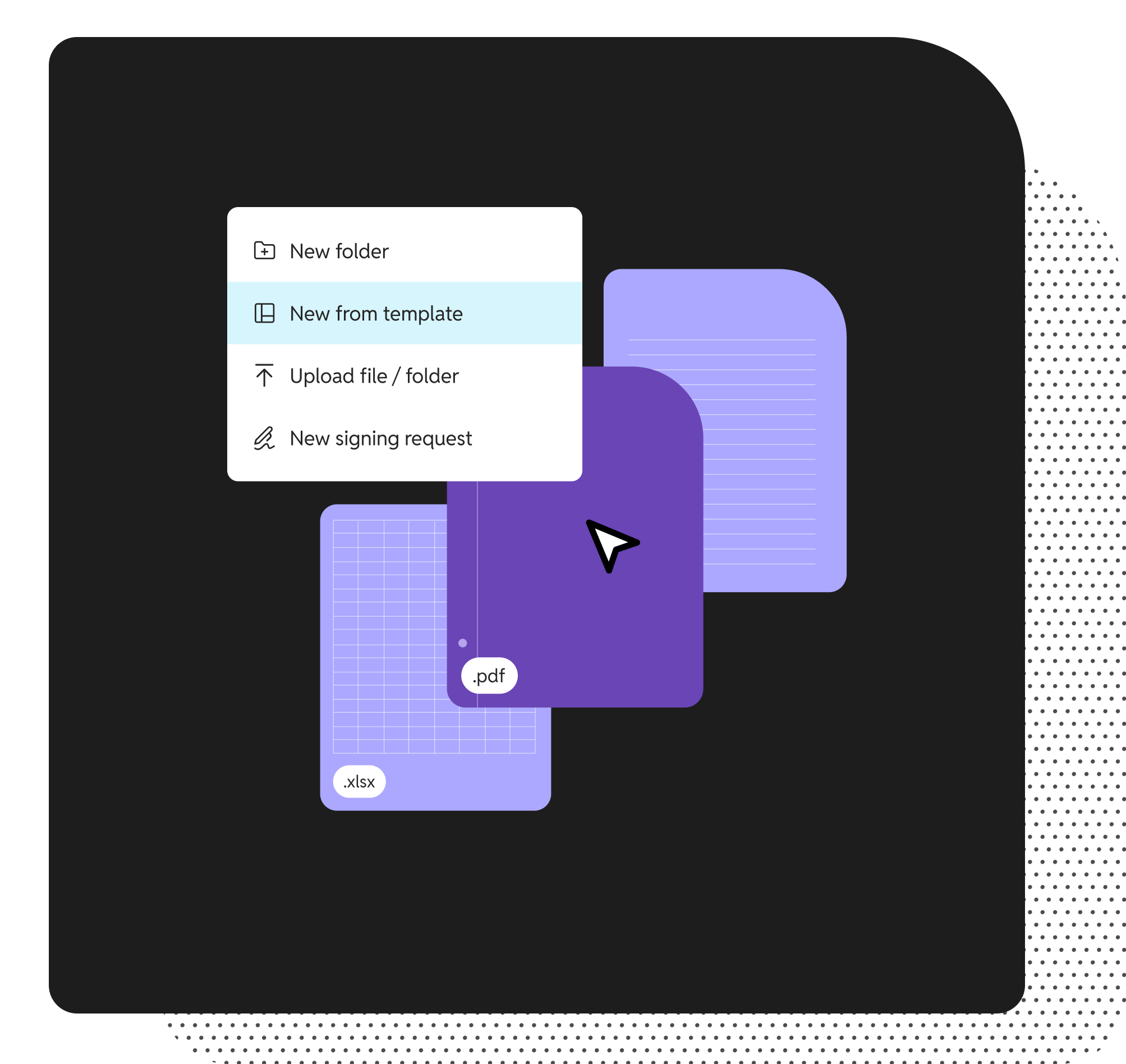
SuiteFiles gave Anthony the best of both worlds – a familiar Microsoft‑based setup but with a much friendlier interface. Instead of spending hours building folder structures from scratch, he could use ready‑made templates that set everything up in seconds. Within a day of signing up, Amplify 11 was up and running, with every client having a clean, consistent file setup.
The integration with Karbon and Xero made it even easier. When a new client was added, SuiteFiles could auto‑create the folder setup instantly. Built‑in document signing meant Anthony didn’t need to pay for a separate signing tool, saving money each month. Everything was now in one place, easy to find, and quick to manage – exactly what he’d been looking for from the start.